Multi-agent production planning
Different agents collaborate on script understanding, asset preparation, storyboard direction, generation, and quality checks.
Sign in to claim 100 free credits and start creating
Dramagic AI at a glance
Bring planning, visual development, storyboard direction, and team review into one short-drama production flow.
Script analysis, asset setting, storyboard generation, final preview
Review and adjust the work at every core production stage
Projects, access controls, credit allocation, and shared assets
What is Dramagic AI?
Dramagic AI is an enterprise-oriented AIGC creation platform for teams producing short-form drama. Its multi-agent workflow turns a long script into structured assets, planned shots, generated storyboards, and a reviewable final preview.

Break a long-form script into scenes, characters, relationships, locations, props, and narrative beats before visual production begins.
Build reusable character, location, prop, and style references so the production starts from a shared visual foundation.
Use director-level planning to shape shot order, framing, rhythm, character emotion, and the visual intent of each scene.
Inspect the assembled result and return to any editable checkpoint when a character, scene, shot, or story beat needs another pass.
Core capabilities
Dramagic AI connects the creative decisions that matter across assets, shots, and scenes instead of treating each generation as an isolated result.
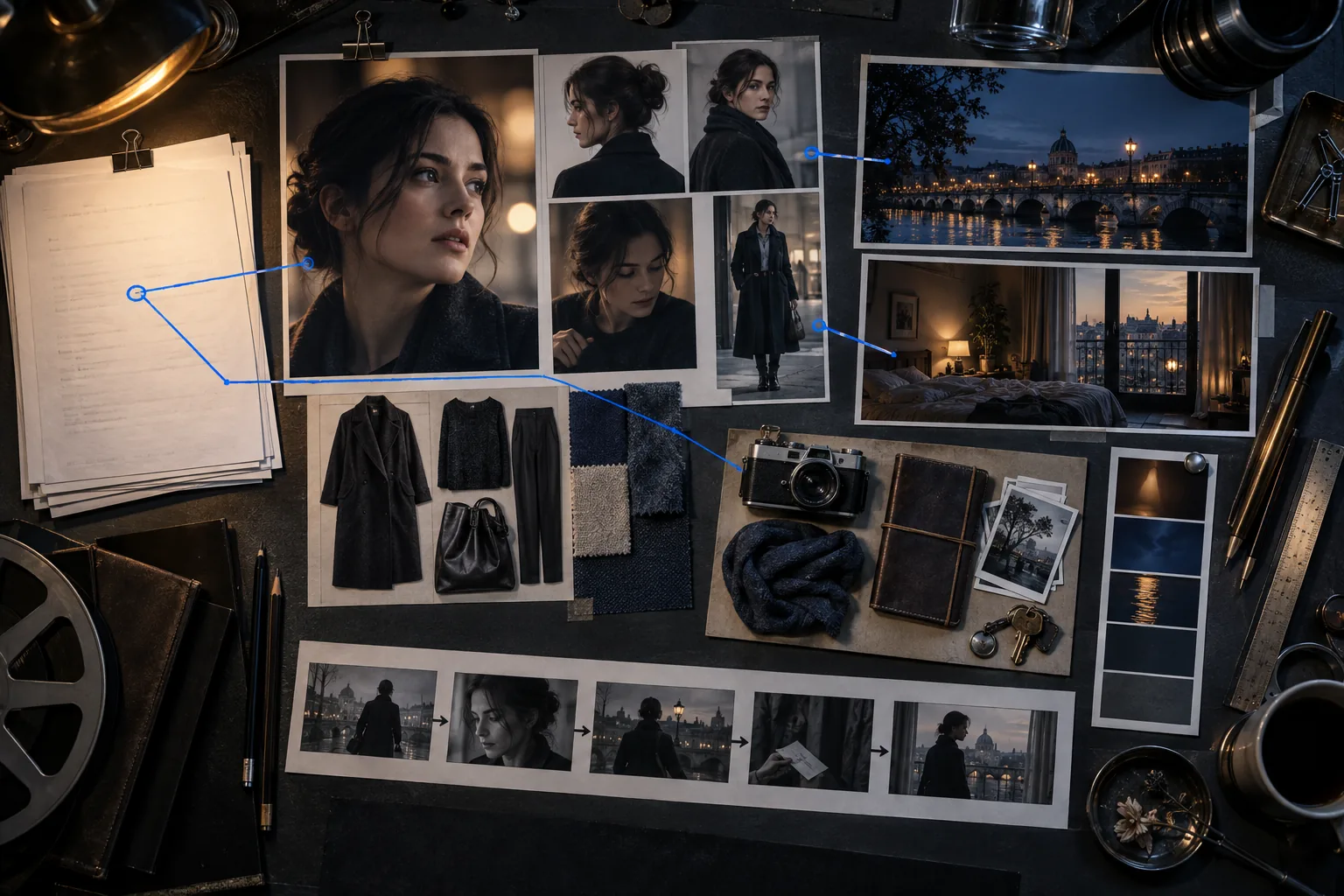
Organize character looks, environments, props, and visual references into a production-ready asset library that teams can review and reuse.
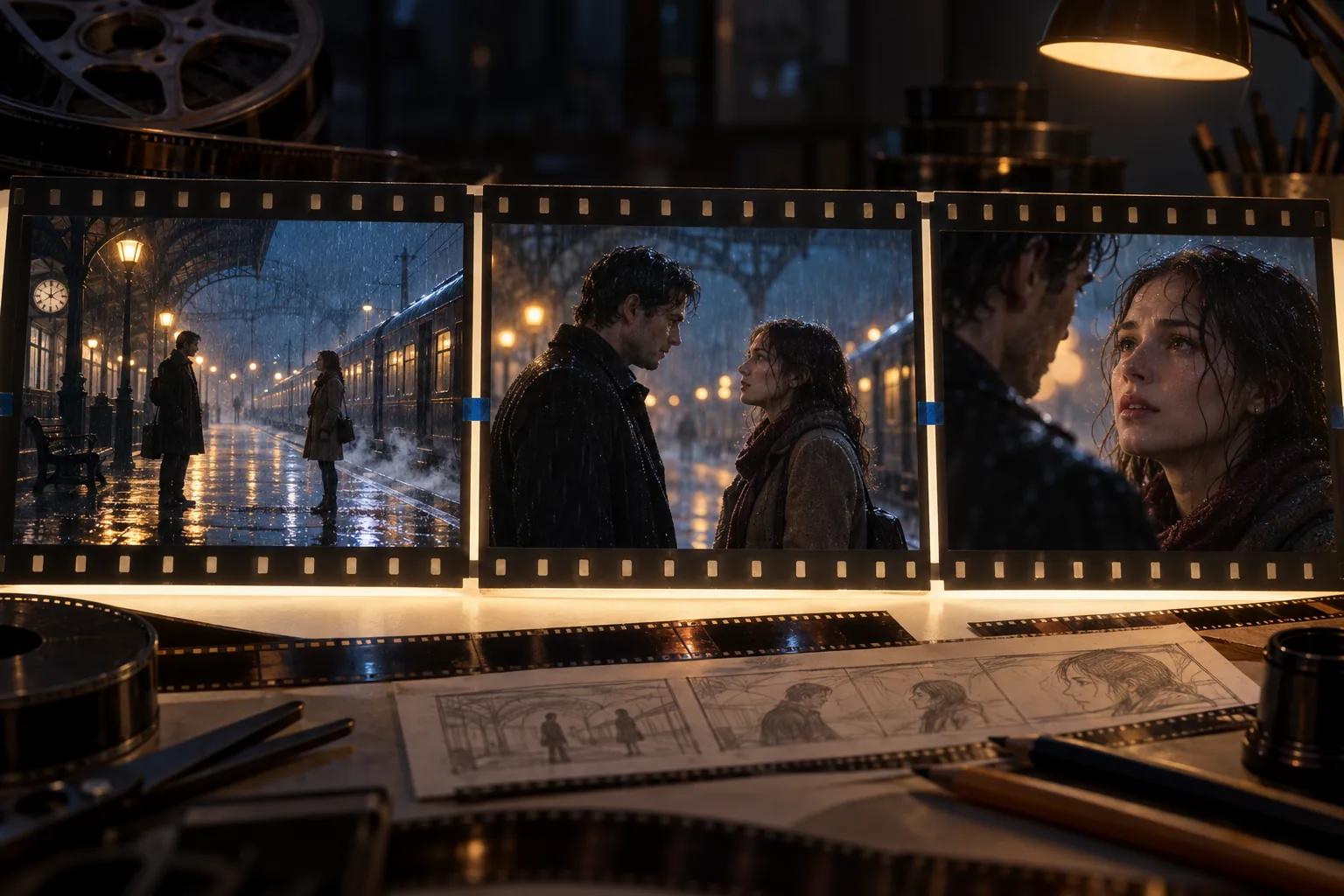
Plan framing, movement, pacing, and emotional progression across a sequence so each shot contributes to the same narrative beat.

Use global style locking, character-state tracking, and reference-led generation to reduce visual drift as settings, actions, and camera positions change.
How Dramagic AI works
Start with the story, confirm the production assets, direct the storyboard, and review the assembled result.
Bring in the long-form story and let the workflow identify scenes, characters, relationships, locations, props, and key dramatic beats.
Confirm character designs, locations, props, and the overall style before those decisions are reused throughout the production.
Adjust shot order, framing, camera intent, pacing, and performance notes while every key production node remains editable.
Inspect continuity, narrative rhythm, character emotion, and scene quality, then return to the stage that needs refinement.
Built for production teams
Use specialized agents and shared production context to keep creative planning, visual continuity, review, and team operations connected.
Different agents collaborate on script understanding, asset preparation, storyboard direction, generation, and quality checks.
Edit the decisions that shape the story—from character and location design to shot composition, rhythm, and performance.
Carry visual style, character state, locations, and key props across storyboards and scenes with shared reference context.
Manage projects, control access, allocate credits by team or member, collaborate in real time, and retain reusable assets in team spaces.
Dramagic AI FAQ
Learn how Dramagic AI structures the production process, preserves creative control, and supports collaborative teams.
Dramagic AI is an AIGC short-drama creation platform that helps teams move from long-form script analysis to asset setting, storyboard video generation, and final preview in one coordinated workflow.
It analyzes the story structure and organizes production context such as scenes, characters, relationships, locations, props, and narrative beats before storyboard work begins.
Yes. Core production nodes remain editable, so teams can review and adjust asset settings, storyboard choices, generated shots, and the assembled preview without giving up creative control.
Director-level agents help translate the script into shot order, framing, narrative rhythm, character emotion, and visual expression, while creators can refine the plan.
The workflow combines shared visual references, global style locking, continuous character-state tracking, and automated validation to reduce drift across storyboards and scenes.
It supports shared projects, real-time collaboration, refined access controls, team or member credit allocation, and a team asset library for reuse across productions.
Character designs, scene settings, props, style references, and other approved production materials can be retained as reusable team assets instead of being passed between disconnected tools.
It is designed for short-drama studios, creative producers, directors, storyboard teams, and enterprise content organizations that need a repeatable script-to-video production process.
Choose a monthly, yearly, or one-time credit plan for your production volume and workflow.
Cancel anytime
What's included
Everything in Starter, plus
Everything in Pro, plus
Your next story starts with a script
Bring the story, establish the cast and world, direct the storyboard, and keep every key decision within reach from first analysis to final preview.